Apple Wallet | IDs in Wallet
Your ID, on your iPhone. The hard part was making that feel normal everywhere you get asked for it.
Apple called IDs in Wallet an important step toward replacing the physical wallet, and Arizona and Georgia were the first states to sign on. It started at the TSA checkpoint. Our job was to take it everywhere else: the bar, the rideshare, the night out. We launched it in both states with how-to films, social, rideshare placements, and out-of-home in select launch cities, then built the site that teaches people how to use it.
01
Getting carded, made easy.
A 30-second how-to showed exactly what happens at the door: hold your iPhone near the business’ iPhone, see what’s being requested, and confirm.
02
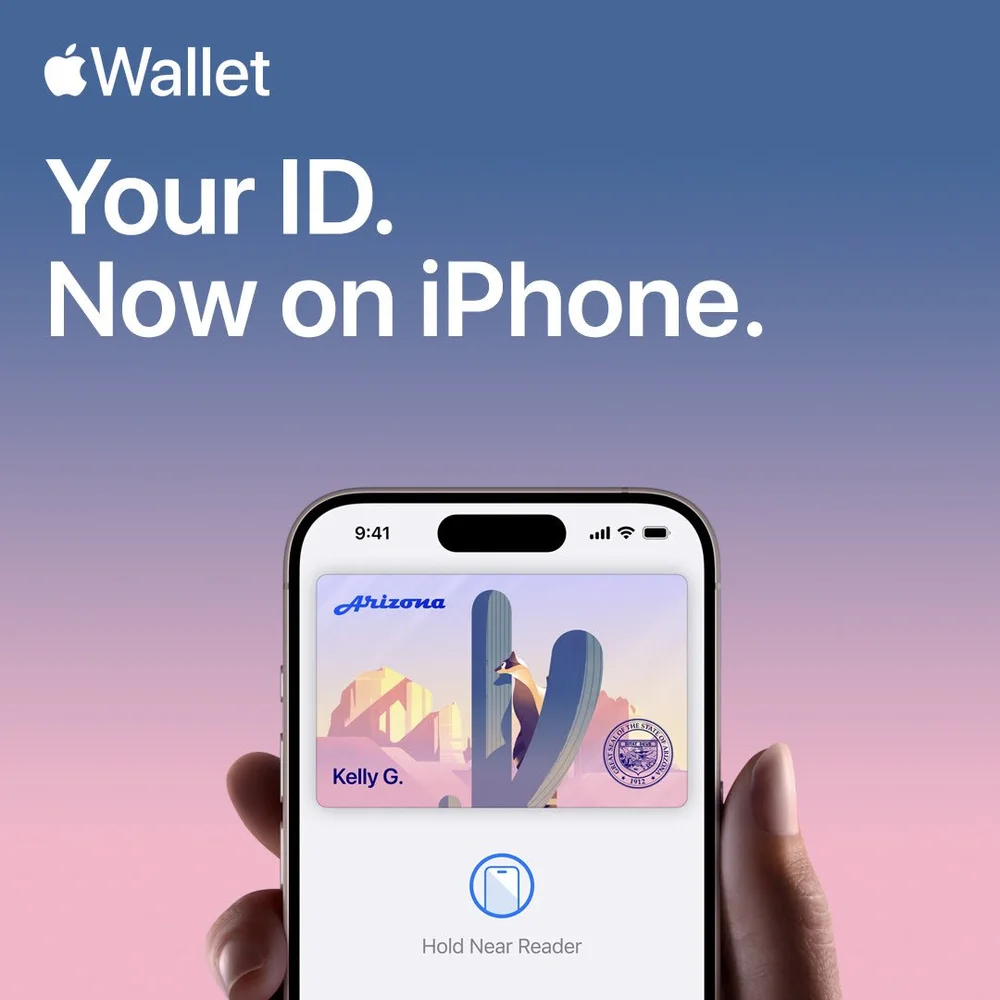
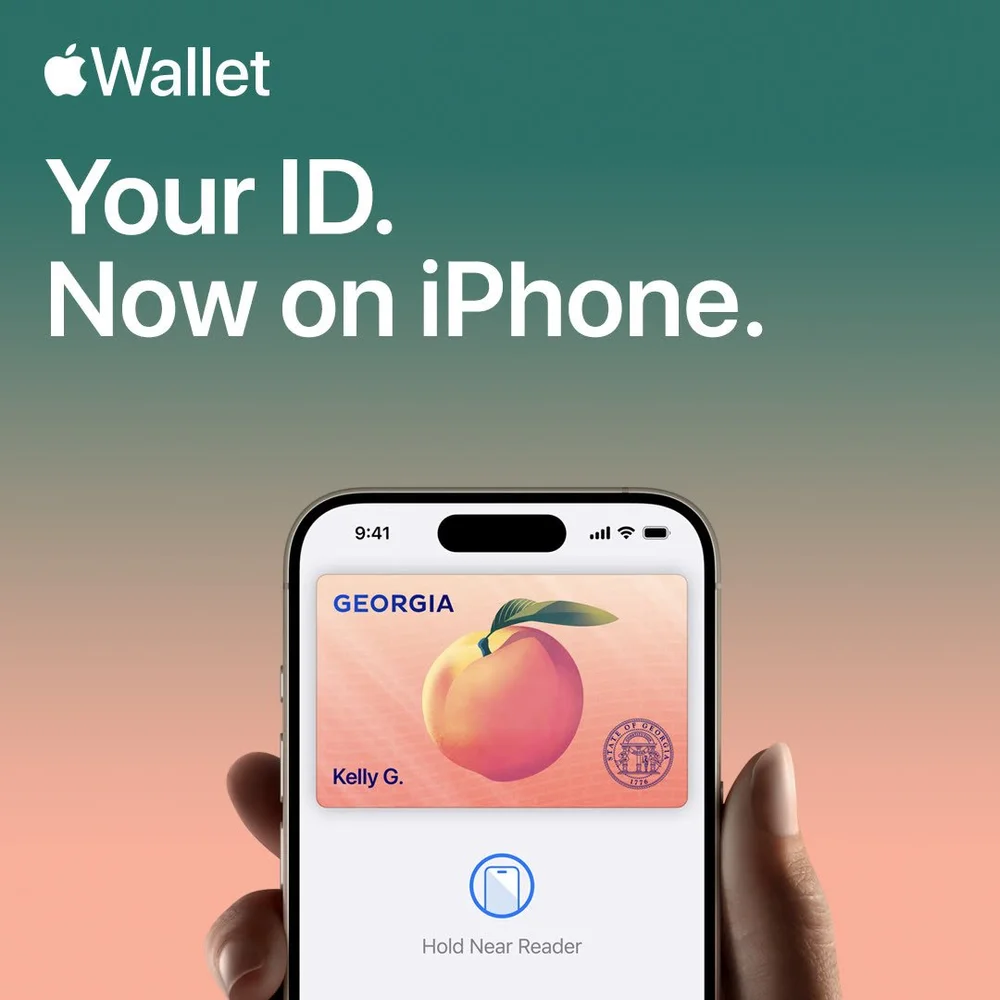
Your ID. Now on iPhone.
On social, the line did the work. Short vertical films for Arizona and Georgia made getting carded look like a two-second moment, each one cast with its own state ID.
03
From the TSA line to nightlife.
We met people where they’d actually reach for an ID: on the drive in, at the door, and at the bar.
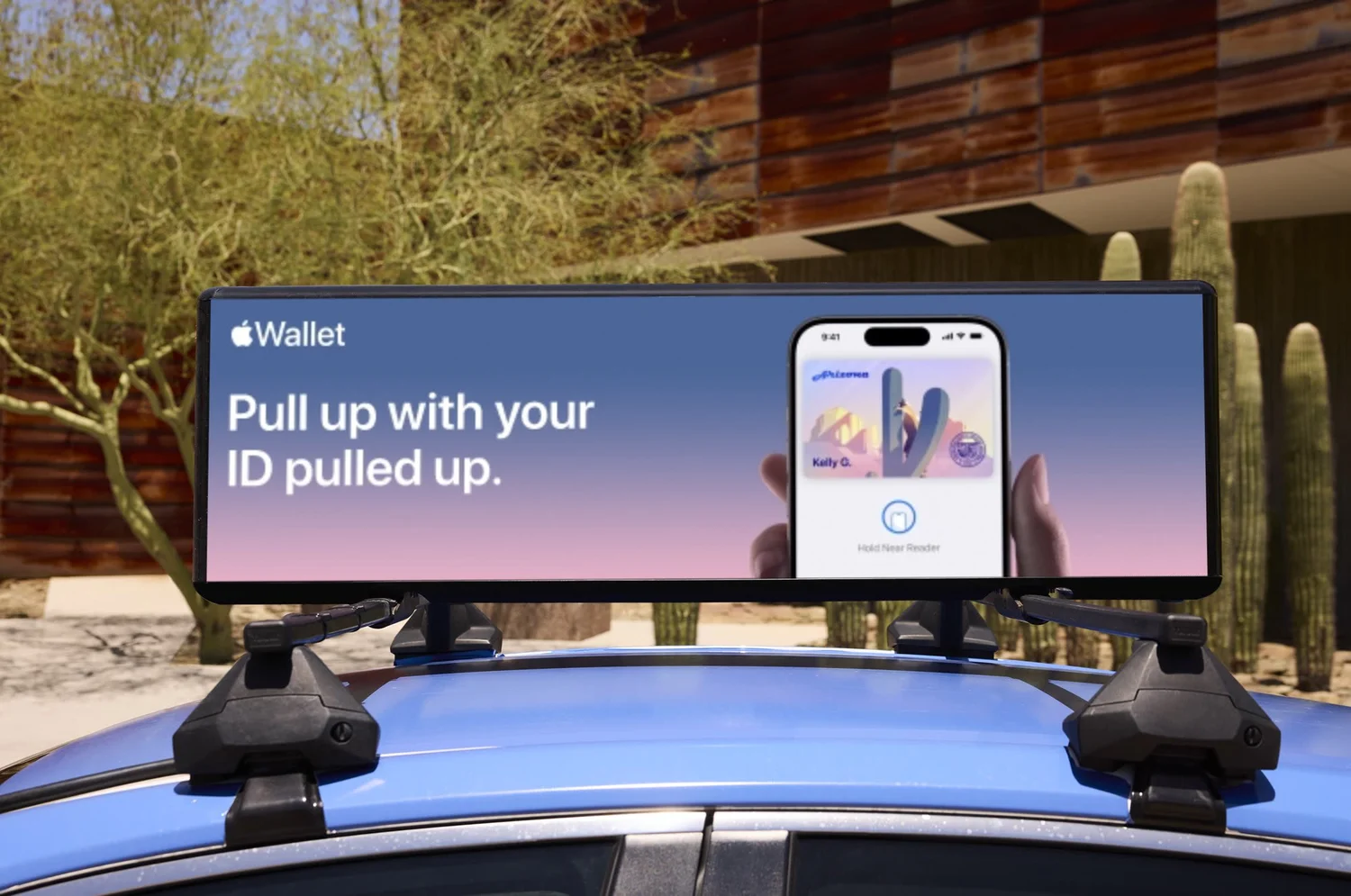
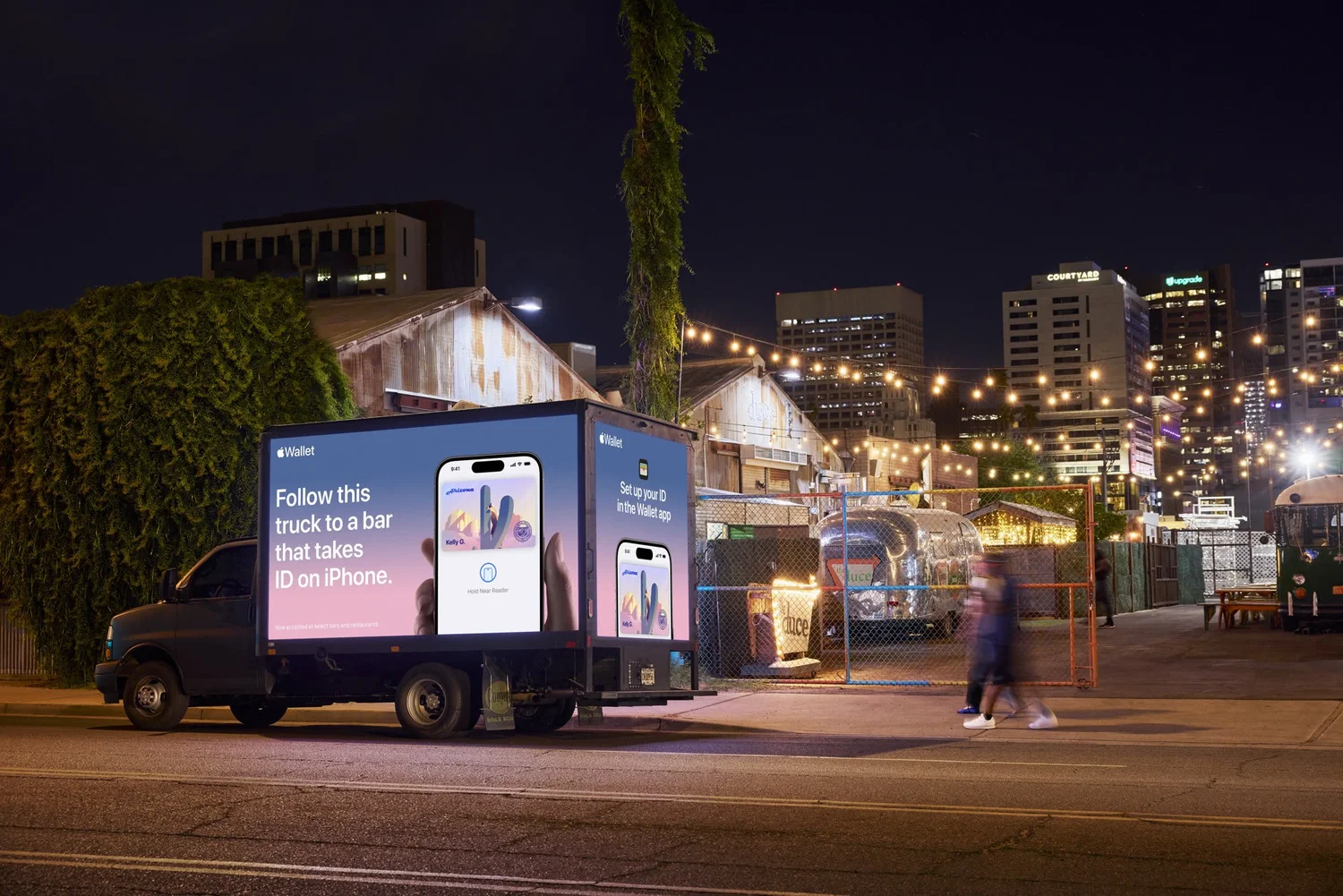
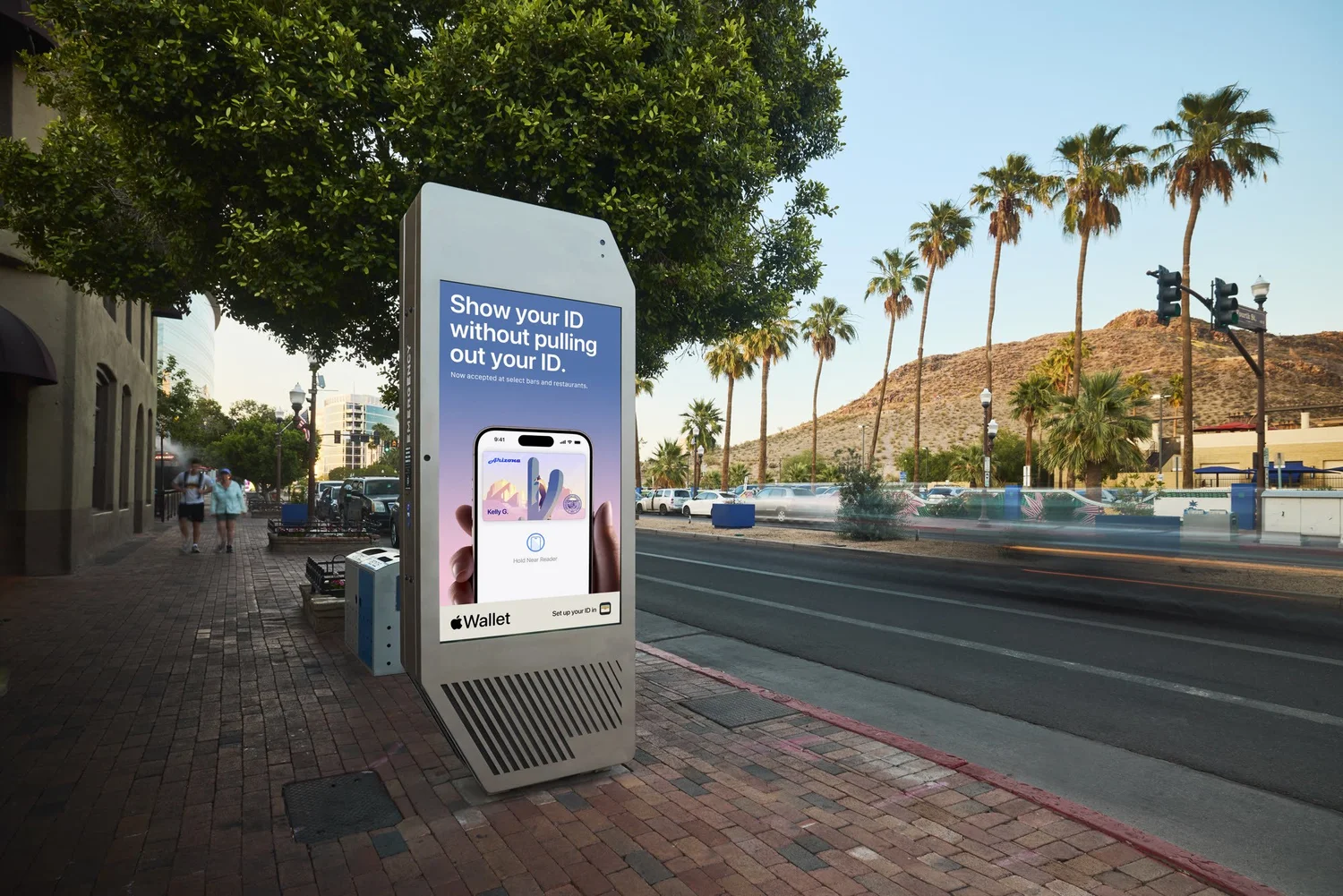
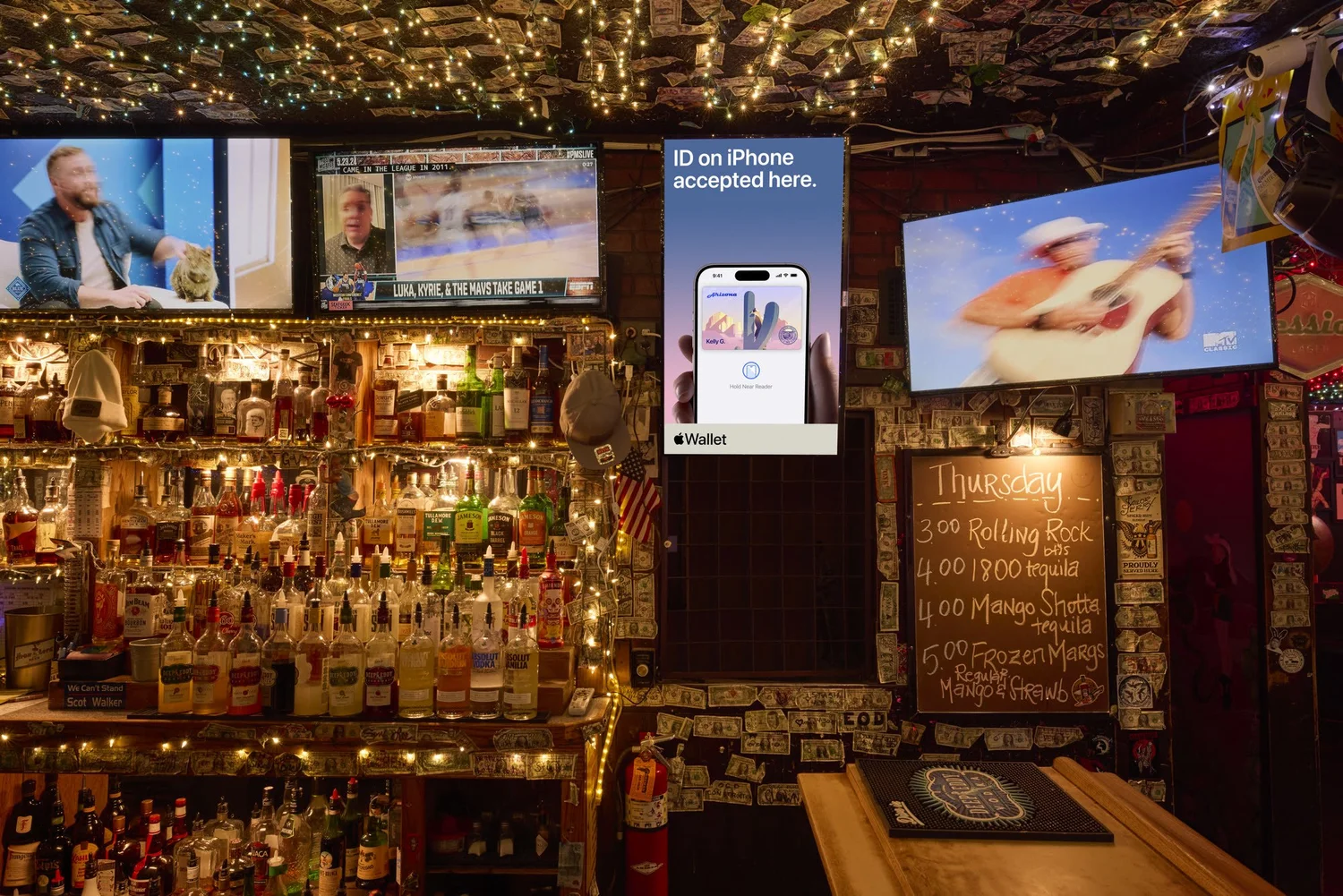
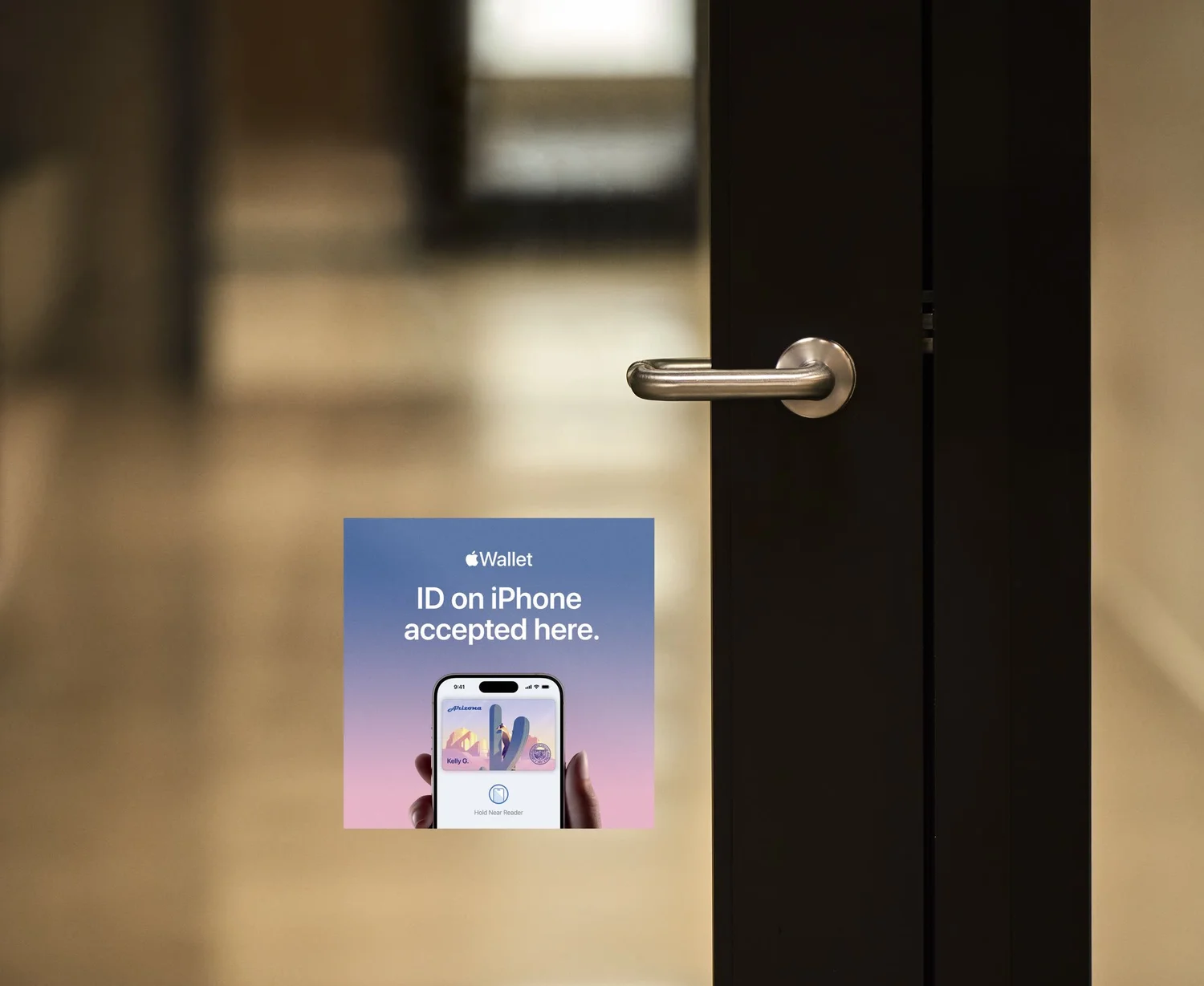
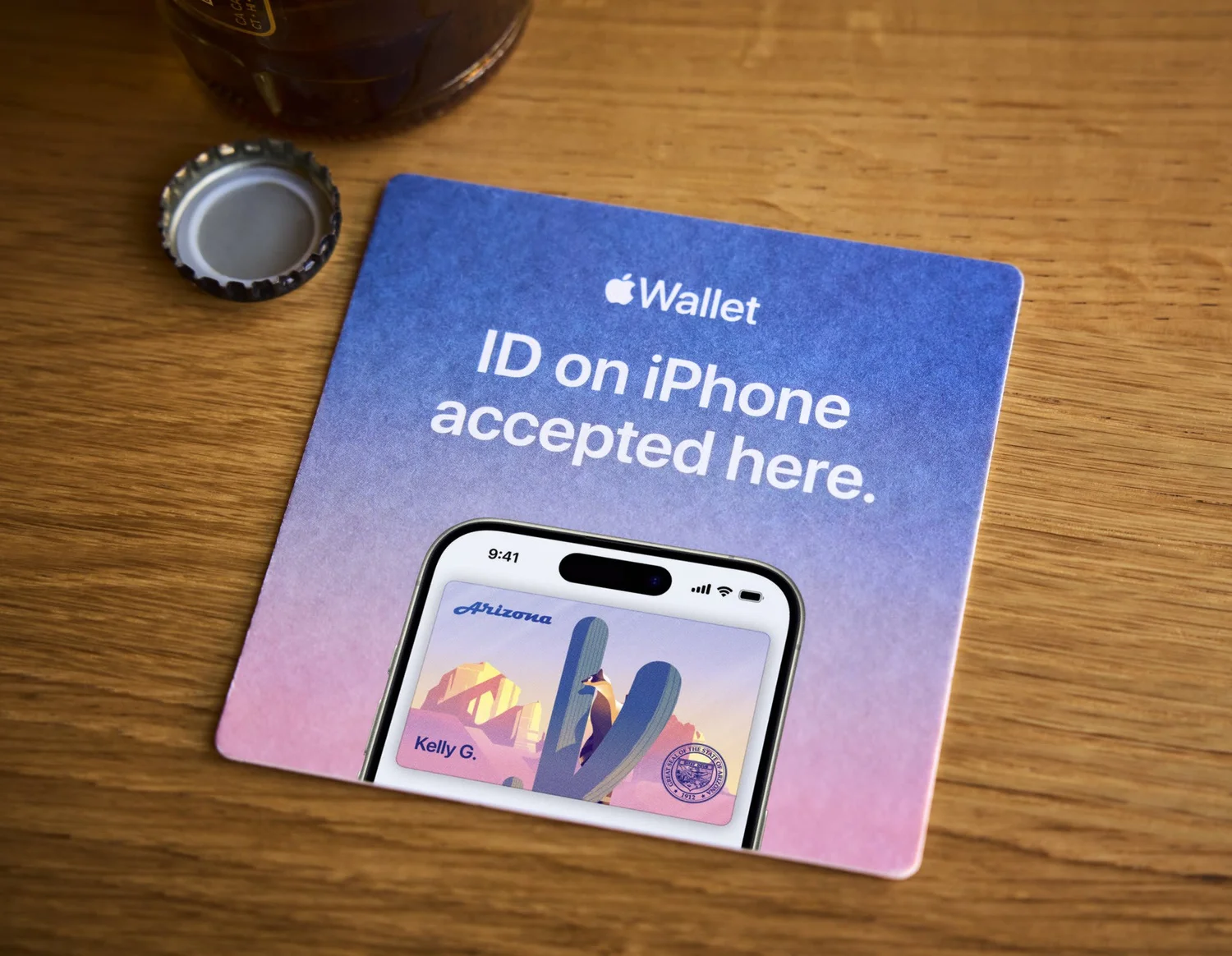
Car wraps, digital trucks, street kiosks, bar screens, door decals, and coasters, plus in-app placements on Uber.
04
The site that grows with every state.
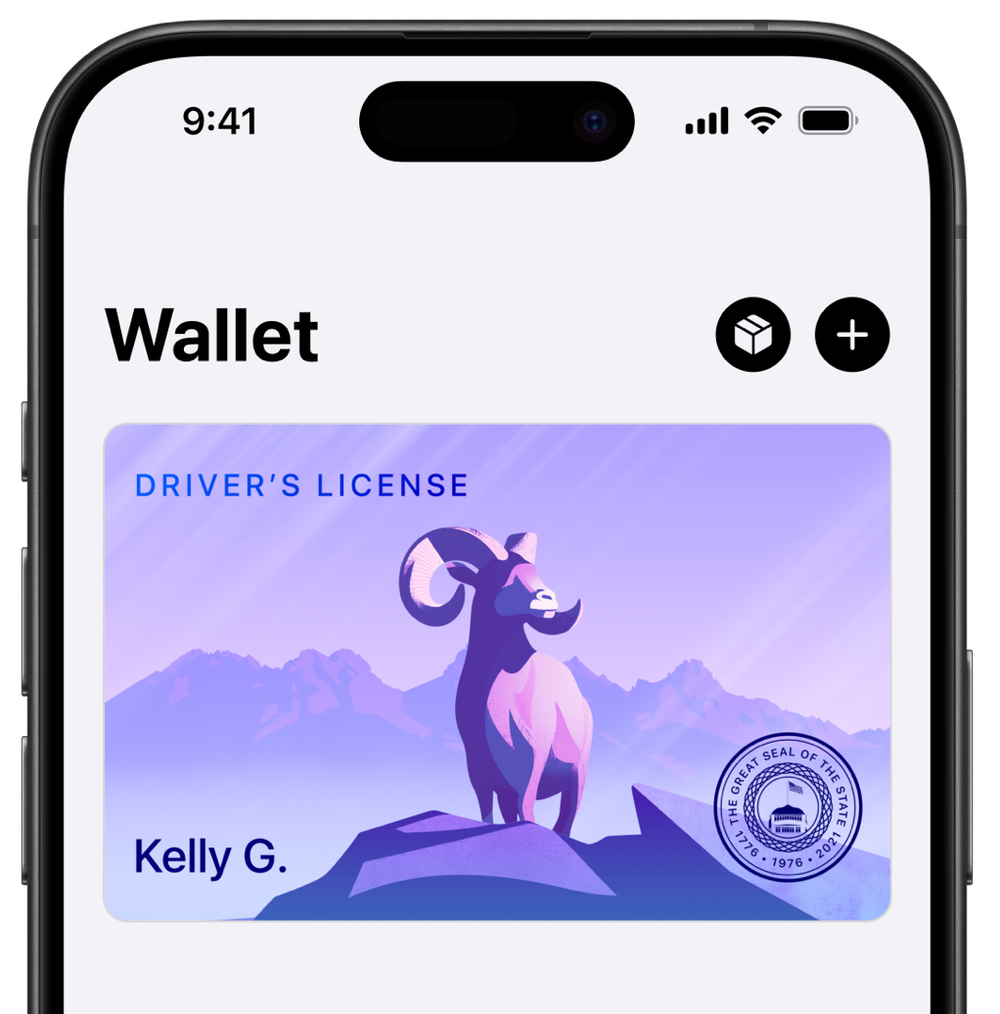
We built learn.wallet.apple/id for launch and update it with every new state. It now covers 16 states and Puerto Rico, plus Digital ID created with a U.S. passport.
Visit the site ↗Credits